


Did you know that IntelliJ can render documentation directly within the IDE? I discovered this a few weeks ago and have used it since. I think it’s a vastly underused quality-of-life feature, so I want to share it with you. It’s not really a hidden feature, but it’s disabled by default for some reason.
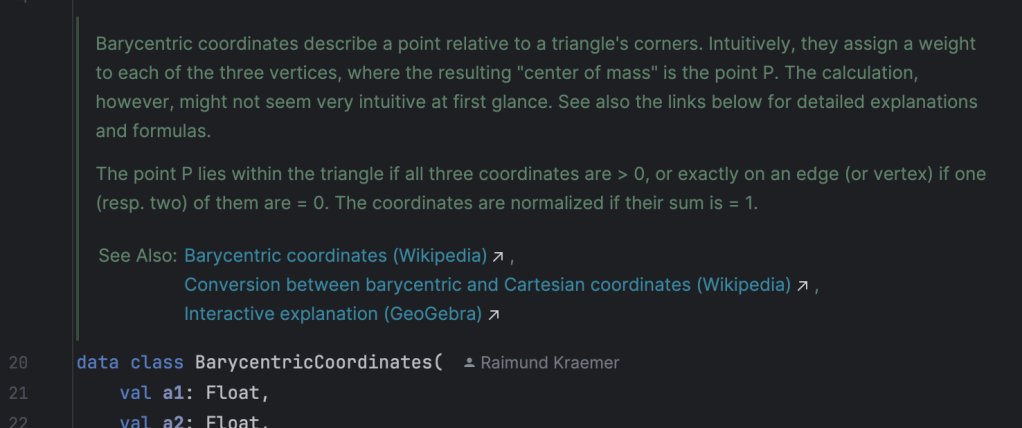
Here is an example (in this case with KDoc in Kotlin) with some Markdown and hyperlinks:
With rendered view disabled (the default) it looks like this:
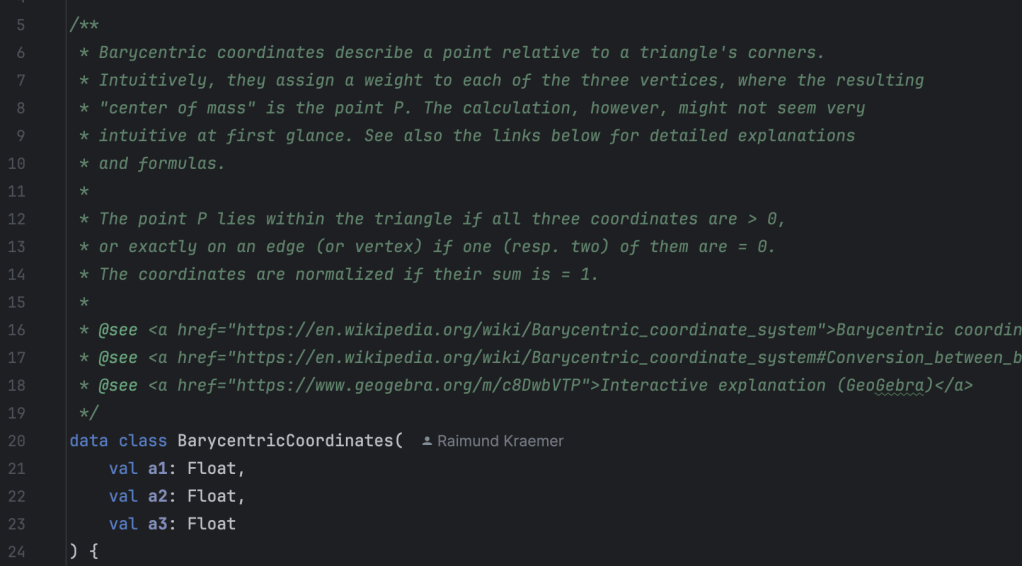
In Java, with Javadoc, the comparison is very similar, arguably with even uglier syntax when rendered view is disabled.
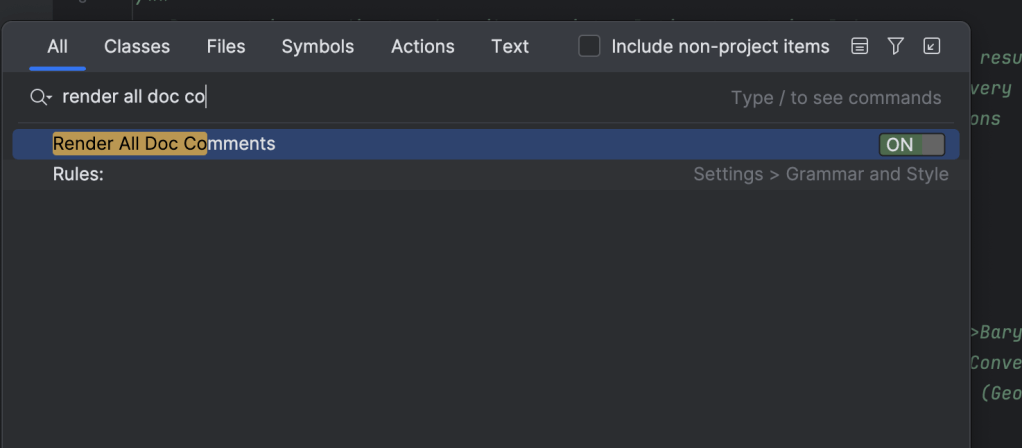
Enabling it is very simple with IntelliJ’s search. Simply press “Shift” twice (double-shift) to open the quick search dialog, then search for “render all doc comments” and enable the little toggle next to the search result:
If rendered view is enabled and you want to edit the doc comment, simply hover over the doc comment and click the little pen icon that appears next to the line numbers:
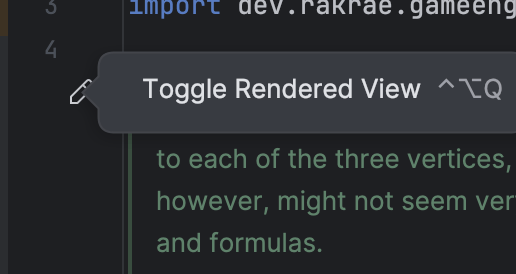
You can also right click that icon to enable/disable it for all doc comments, as an alternative to the quick search.
Happy coding and documenting!
 Raimund Krämer